

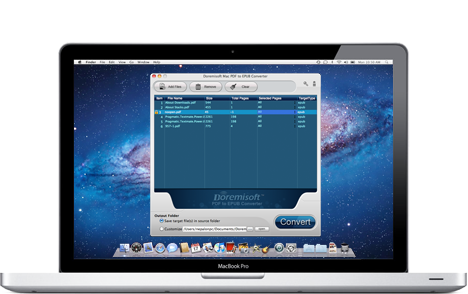


The user-oriented interface makes it as easy as 1-2-3 to use this program.

It does the job efficiently with only a few clicks needed.

The program will download the latest version automatically so that you don't need to bother.

Each user can get the timely and free after-sale service including technical support.

$49.95
Video to Flash converter for mac, a Flash FLV and SWF creator can assist mac users to create flash video by converting video to Flash video format (FLV or SWF) on mac
$35
Video Converter for Mac, the best Mac Video Converter, is designed to convert among videos like MP4, MOV, MPEG-1, MPEG-4, H.264, DV, MTS, MOD, MKV, etc on Mac

$99.99
Mac SWF Video Converter, amazing SWF to Video Converter for Mac users to convert Flash SWF to Video like MOV, MPEG,AVI, iPad, iPhone, etc.

$39.95
DVD Maker for Mac provides the perfect solution for you to create or burn DVD on OSX from almost any video file formats like MOV, MPEG, M4V, MKV and so forth.
Browser compatibility : IE/Firefox/Chrome/Opera/Safari/Maxthon/Netscape
Copyright © 2009-2015 Doremisoft Software Co., Ltd. All Rights Reserved