


HD Camcorders, especially Sony camcorders, Canon camcorders, Panasonic camcorders record footage in MTS or M2TS format that are not compatible with most smart phones. If you happen to shoot HD contents with theses camcorders such as Canon Vxia HF S10/20, Sony Handycam HDR-CX550, or Panasonic DMC-G3/G2, want to want to watch MTS file on iPhone4 including the previous iPhone, iPhone 3G. Is there a third conversion tool that can convert MTS file to iPhone4 compatible format? What converter can help me?
MTS to iPhone4 converter for mac is an ideal and powerful MTS to iPhone4 converter software for mac users. No matter you are a novice or professional, you can master it very soon. MTS to iPhone4 Converter has a friendly interface that let you finish the conversion with just a few clicks, which can convert MTS file to iPhone4 H.264, MPEG-4 video format on mac with fast speed and high quality.
With the MTS to iPhone4 converter for mac os x lion, you can even freely edit your output videos by click "Trim", "Crop", and "Effect", This mac MTS to iPhine4 converter software also supports batch conversion and preview.
Besides, with MTS file to iPhone4 converter mac, MTS file to iPod, Nokia, Samsung Galaxy S2, HTC Sensation, iPad, iPad2, BlackBerry Torch 9050, BlackBerry Torch 9050 are also available.
Download and install MTS to iPhone4 converter mac software and the main interface is as follows:
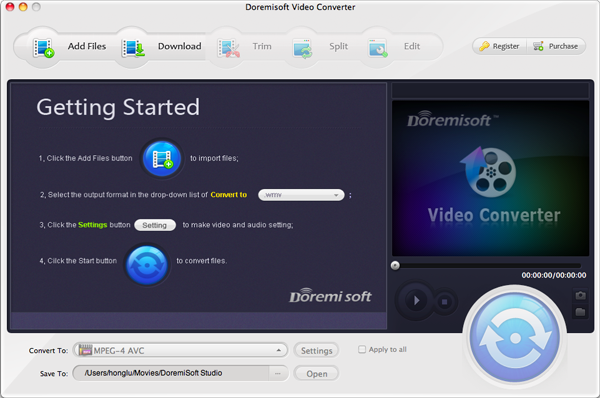
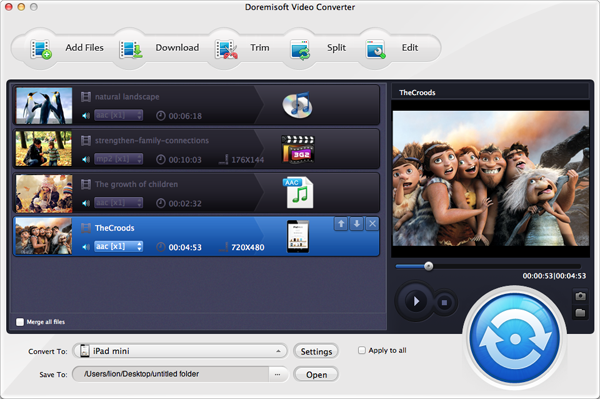
Click "Add" button to MTS file from your mac or your camcorder that you want to convert, of course, you are allowed to load several MTS videos at one time and you can also merge several MTS file into a signal one to convert.
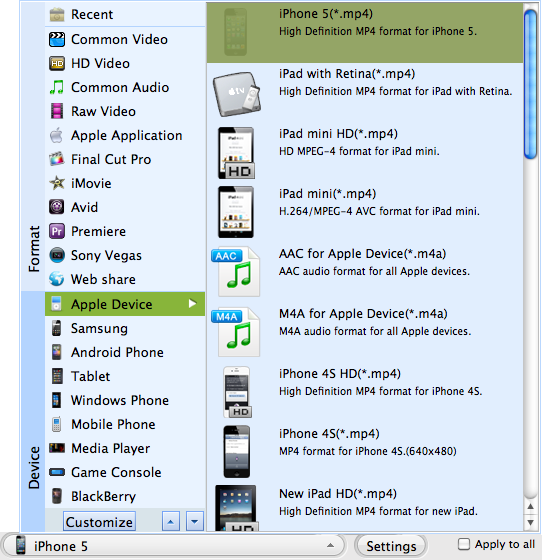
Click the drop drown menu under the "Profile" field>iPhone, select H.264, MPEG-4 format for iPhone4
Click the drop drown menu under the "Output" field, chose the folder to save the converted MTS file.
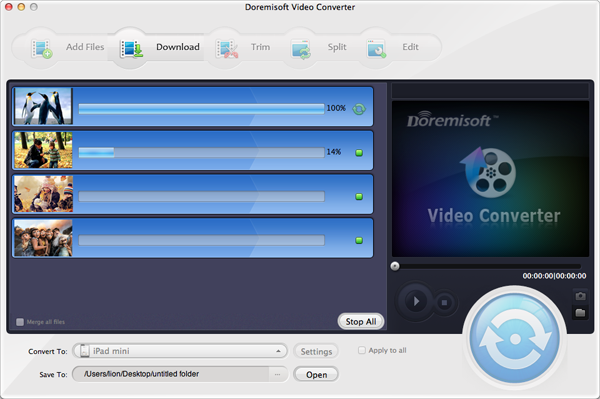
Click "Start" button to convert MTS file to iPhone4 mac, then hit "Open" to find the converted MTS file for importing to iPhone4.

Browser compatibility : IE/Firefox/Chrome/Opera/Safari/Maxthon/Netscape
Copyright © 2009-2015 Doremisoft Software Co., Ltd. All Rights Reserved
 Download
 Download